PSY GAMES on the ClockworkPi PicoCalc is a handheld build of Remote Viewing Training for a pocket RP2040 computer with a real QWERTY keyboard. It is the one port that brings back the verbal loop: you type your impressions as keyword chips and the computer grades them, alongside the sketch canvas and minigames from the console versions, with the full target library flashed on-board.
01What this is
The PicoCalc is a Raspberry Pi Pico (RP2040) handheld with a 4-inch 320 by 320 screen, a 67-key keyboard, and 2 MB of flash. This port fills most of that flash with the whole game: all four modes, a settings screen, a session log, and the complete target library, with no SD card required. It merges the describe-and-grade loop from the PC build with the sketch canvas and minigames from the console ports.
- Remote Viewing. Type your impressions as keyword chips, sketch the target, then reveal it in cyan duotone with a verbal-correlation score and a 1–10 self-rating.
- Search & Rescue. A six-operation campaign: dowse a radar map with a shrinking reticle and a hot/cold PSI signal.
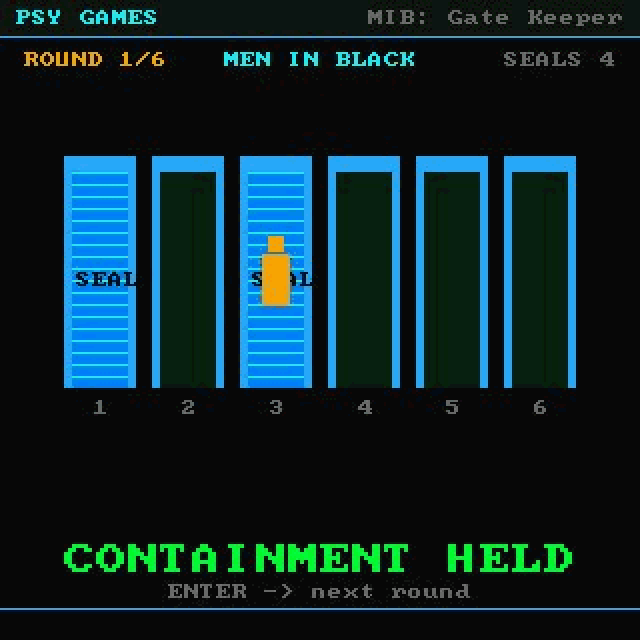
- MIB: Gate Keeper. Six gates across six rounds, with never quite enough seals to cover them all.
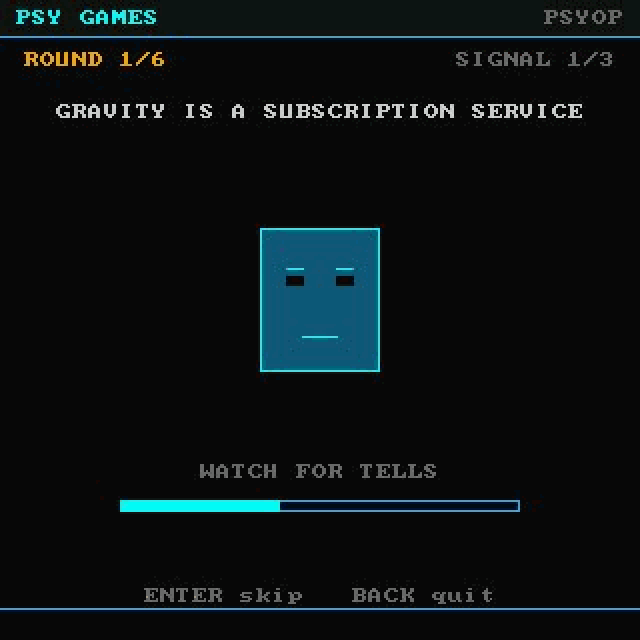
- PSYOP. Spot the lie among three broadcasts by reading how often each one twitches.
- Physical QWERTY keyboard. The keyboard drives the verbal loop and every menu; the D-pad handles sketching and aiming.
- Full target library on-board. The set matches the original, over 800 images, flashed into the device with no SD card.
02Screenshots
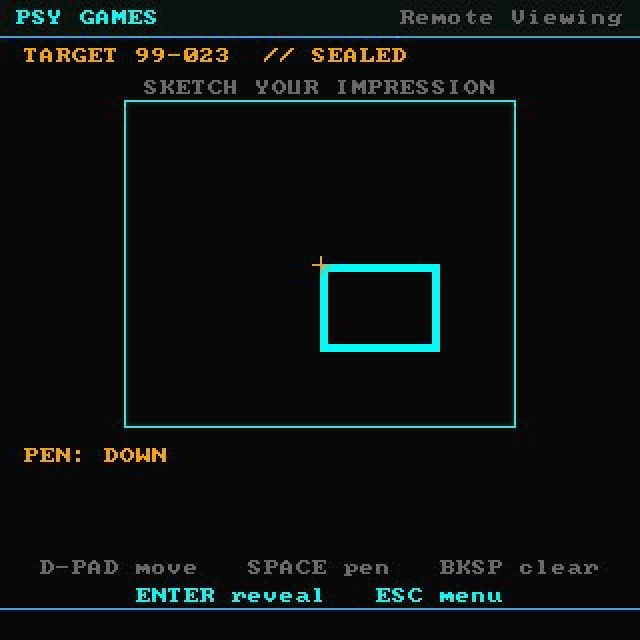
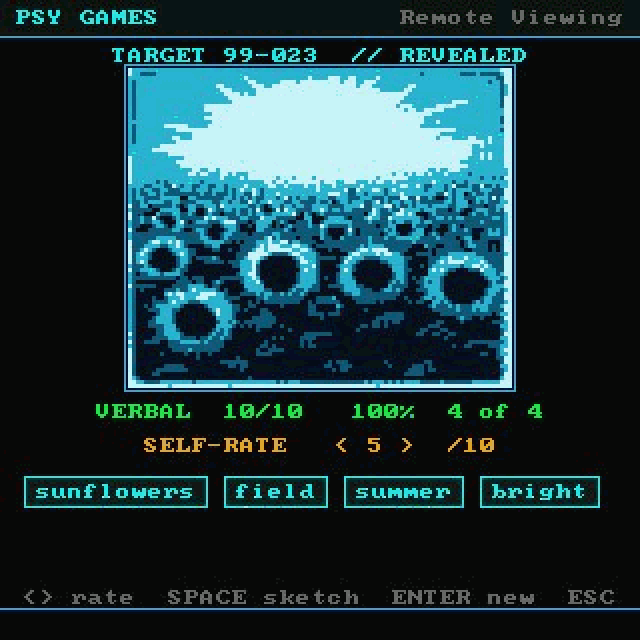
The sketch canvas, a revealed target with its keyword score, the Men In Black gate board, and a PSYOP broadcast.
03The keyword loop
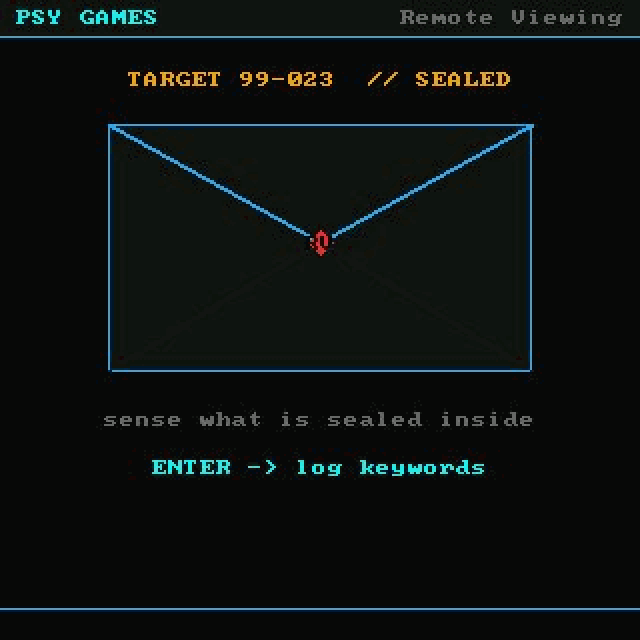
What sets the PicoCalc apart is its keyboard. Where the console ports score your drawing, this build brings back the verbal loop from the PC version: at a sealed target you type your impressions as keyword chips, and on reveal the computer matches them against that target's keyword index for a verbal-correlation score, before you add your own 1–10 self-rating. You still sketch the target on a D-pad canvas, but here the sketch is for your own comparison while the typed keywords do the grading. Press SPACE on the reveal to flip between the target and your sketch.
04How it compares to the original
The web app runs in full color at any resolution with touch or mouse. The PicoCalc runs the same four modes on a 320 by 320 handheld, grades the keywords you type instead of your strokes, renders targets in cyan duotone from an on-board library, and ships as a single file you flash to the device.
| Original web app | PicoCalc port | |
|---|---|---|
| Platform | Browser & Android | ClockworkPi PicoCalc (RP2040 handheld) |
| Display | Full color, any resolution | 320 by 320 IPS, cyan duotone targets |
| Targets | Full image library | Full library on flash (over 800), no SD card |
| Input | Keyboard / touch | 67-key QWERTY keyboard and D-pad |
| Grading | Self-rating 1–10 + computer analysis | Typed keyword correlation + 1–10 self-rating |
| Modes | RV · S&R · MIB · PSYOP | RV · S&R · MIB · PSYOP, plus Settings & Session Log |
| Audio | Sampled web audio | Dual PWM speaker tones |
| Saving | Browser local storage | Session log in RAM, clears on power-off |
| Runs on | Phone / desktop browser | ClockworkPi PicoCalc, flashed as a single .uf2 |
05Get it
The PicoCalc build is a single rv_picocalc.uf2: flash it by copying the file to the device in BOOTSEL mode, with no SD card needed. The full lineup of ports is available to channel members at youtube.com/@Eyepatchfilms, and the PC build is on itch.io.