Digicam Archive — 30 Years of Digital Camera Image Quality

I’ve been repairing and shooting with digital cameras that have come out since the mid-90s, and over the years I’ve accumulated images from nearly 250 different cameras. Cameras listed are everything from a 1995 Ricoh RDC-1 to a 2025 Samsung Galaxy Z Fold 7. The Digicam Archive is an interactive comparison tool that lets you pull up any two of those cameras side by side and see exactly how they rendered the same scene. These shots are all at the highest quality and if the camera has a raw hack, it was used for the image. Each image has been upscaled and colors manipulated to be the best that it can be, so if you are looking for original images this is not where you want to look.
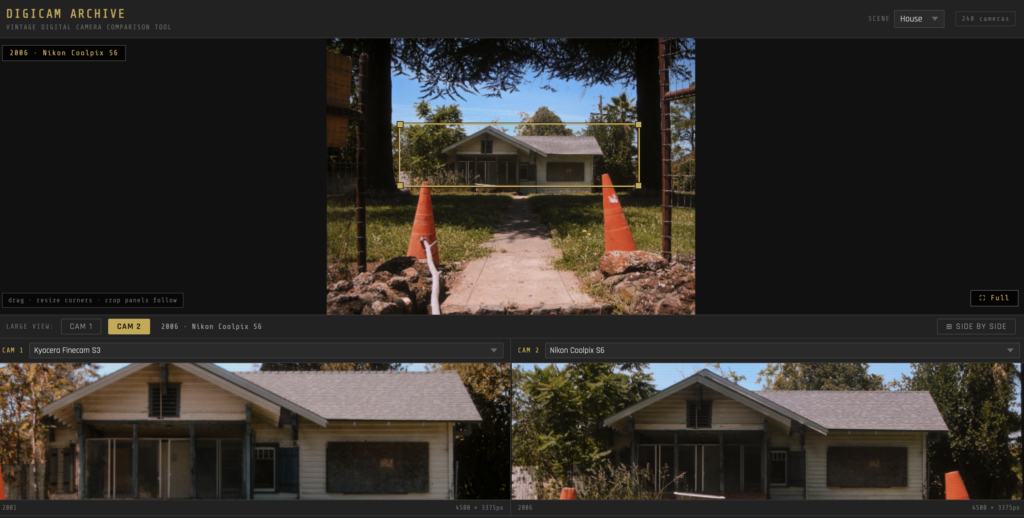
The tool works simply: pick a scene (House or Building), select two cameras from the dropdown, and a crop box appears over the full image that you can drag and resize anywhere you want. Both comparison panels update in real time, showing you a pixel-level look at whatever detail you’ve selected. You can also toggle which camera fills the large main view, or open a full side-by-side fullscreen mode.

Cameras span from 1995 through 2025 and include point-and-shoots, DSLRs, mirrorless cameras, early camera phones, and a few odd cameras from Kodak, Canon, Nikon, Sony, Fujifilm, Olympus, Panasonic, Casio, Ricoh, Leica, Sigma, Minolta, Kyocera, Sanyo, Epson, and more. There’s even a 1996 Canon Sure Shot 60, shot on 35mm film and scanned, sitting right next to a 2025 DJI Osmo Pocket 3.

Pick a year, pick two cameras, and see what the state of digital imaging actually looked like.

[Open the Digicam Archive]

Here’s all the cameras you can choose to compare

1995
Ricoh RDC-1
1996
35mm · Canon Sure Shot 60 · Canon PowerShot 600 · Kodak DC120
1997
Epson PhotoPC 600 · Fujifilm DS-300 · Olympus D-600L
1998
Canon PowerShot A5 · Epson PhotoPC 900 · Epson PhotoPC Pro 70 · Kodak DCS 315
1999
Nikon D1 · Olympus D-2500L · Olympus D-450Z · Sony Mavica FD-91
2000
Canon EOS D30 · Canon PowerShot G1 · Canon PowerShot S20 · Fujifilm FinePix 4900Z · Fujifilm FinePix S1 Pro · HP Photosmart 912 · Kodak DC4800 · Nikon Coolpix 990 · Olympus E-10
2001
Canon EOS-1D · Canon PowerShot G2 · Fujifilm FinePix 6900Z · Kyocera Finecam S3 · Leica Digilux 1 · Nikon Coolpix 5000 · Nikon Coolpix 775 · Nikon D1X · Olympus Camedia D-100 · Olympus E-20 · Sony DSC-F707 · Sony DSC-S85
2002
Canon EOS D60 · Canon EOS-1Ds · Canon PowerShot G3 · Casio QV-5700 · Fujifilm FinePix 3800 · Fujifilm FinePix S2 Pro · Minolta DiMAGE S404 · Nikon Coolpix 4300 · Nikon D100 · Olympus Camedia C-50 · Panasonic Lumix FZ1 · Sharp VE-CG30U · Sigma SD9
2003
Canon PowerShot G5 · Fujifilm FinePix F700 · Fujifilm FinePix S7000 · Leica Digilux 2 · Minolta DiMAGE F300 · Olympus C-5060 Wide Zoom · Olympus C-740 …
Hollyland Mars 400S Pro Review

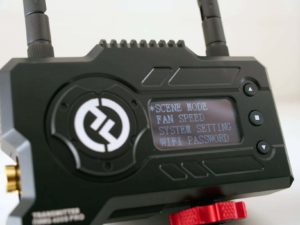
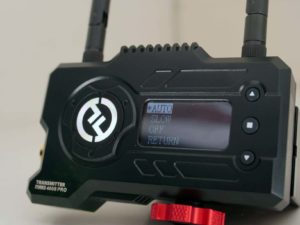
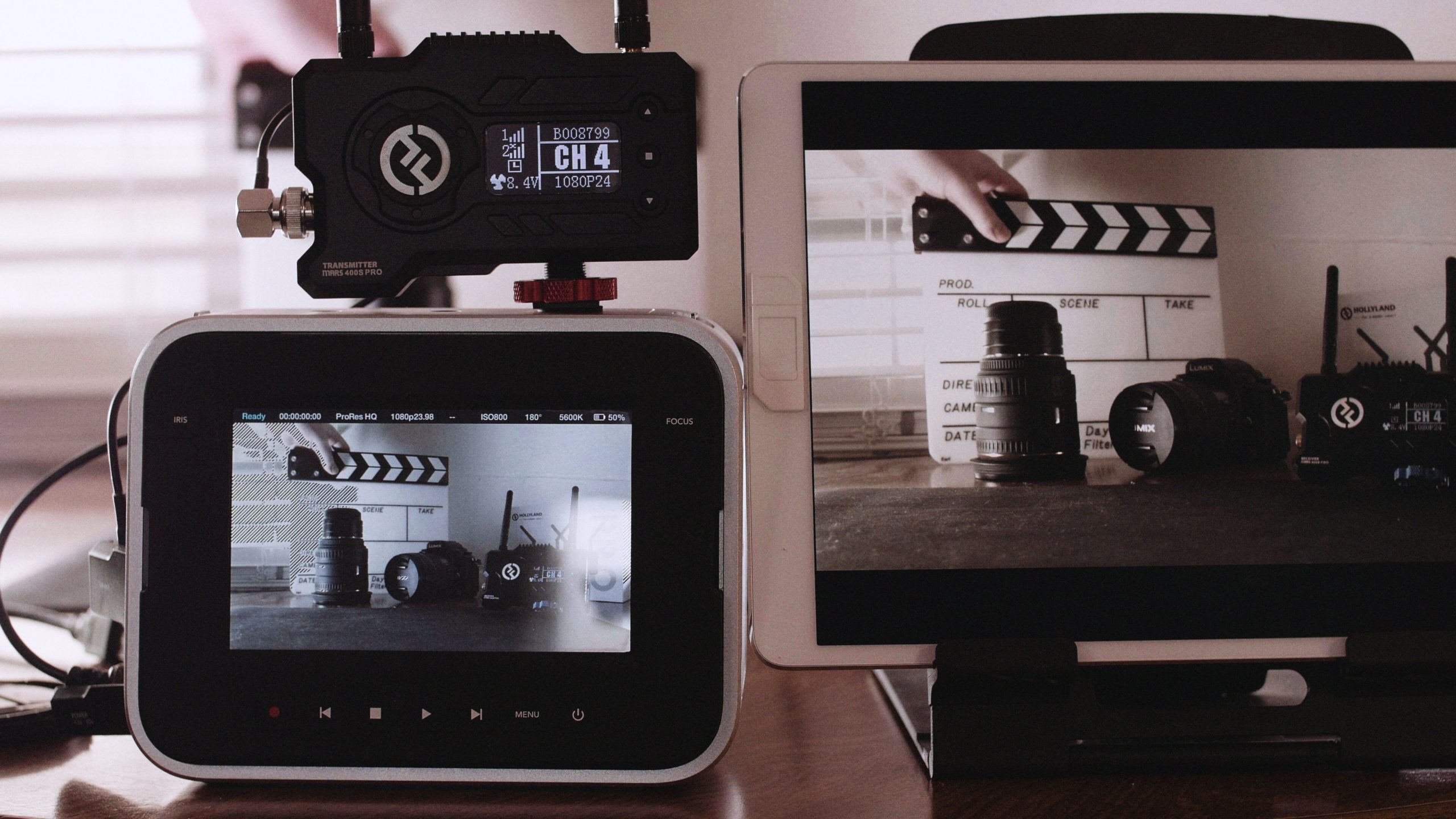
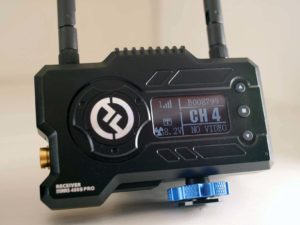
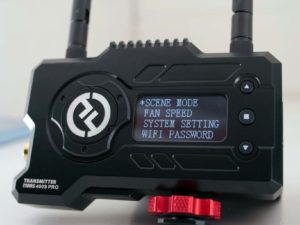
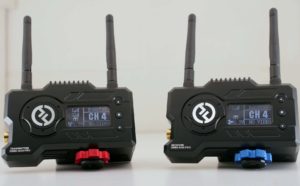
The Hollyland Mars 400S Pro is a wireless video transmission system that is quite capable of a variety use cases. What you get in the box is a dedicated Transmitter and Receiver, an instruction booklet, 5 antennas, with one being a spare, and one AC adapter that is usable with either the transmitter or the receiver. We should start by saying how versatile the power options are on this device. You can power either the transmitter or the receiver via USB C, like a battery bank, via the Sony L-series battery mount, or via the DC adapter plugin.

Video Inputs and Outputs on the units are just as versatile. You can take either an SDI or a HDMI input on the receiver and output SDI or HDMI on the receiver as a start. It will even transcode an SDI signal to HDMI on the receiver which is a real benefit here.  I’ve been using a 5600mah L-series battery, and that will run both the receiver and transmitter for serval hours each

The Mars 400S Pro can either transmit to 2 receivers, 1 receiver and 2 smart devices running the Hollyview app or simply four smart devices alone running the app. 

I started by testing the range claims, which are 400ft for the receiver or 300ft for a smart device running the app. The range claims are easily met with line of sight and will still go hundreds of feet with some obstructions. The primary use case I can think of where this would be useful would be time-lapses where you could set and leave a camera, and then monitor the camera remotely from another building or vehicle. The receiver has a very good indicator on the OLED screen of signal quality as well, so you’ll know when you are getting close the limits of the range.

For mounting there is a shoe adapter as well as a ¼” screw mount on the bottom.

For other distant use cases, the USB-C port has some additional functionality. Essentially you can use it as a remote live streaming camera from the receiver which gives you some flexibility on adding as an additional camera source to a live stream to your switcher via network or direct video input that will give you a 12mb 1080p 60fps stream. 

I was really excited to try the app, since I could easily see my self setting up multiple tablets or phones as a output option. The first thing I needed to do was load a LUT for my Blackmagic Cinema Camera. The way this works is that you want to add a LUT to a Google Drive, and then open that LUT in the Hollyview App. This will then show the LUT as an option selectable from the 3D LUT selection in the lower right-hand corner of the app.

The next big question was latency. Hollyview claims 80 milliseconds, which is observable here. That’s around 4 frames latency at 60hz, which is good …

Korg OPSIX

Korg just announced the new OPSIX digital synthesizer. Videos have been circulating around the web. It has to be the most inventive way of making an FM synth I have ever seen. It doesn’t use a module parameter selection approach but much more like the synths of the past, one knob-per-function to morph the sounds. We’re also hearing it supports patch import from the legendary Yamaha DX7, but with some changes to those sounds on import into the OPSIX.

The core of the synth is 6 operators with 2 variable mixers per operator and 2 amplifiers per operator. Each operator has one filter and amplifier on each side. The signal flow is one of the coolest I’ve ever seen. If you turn the knobs fast, the center of the knob is the zero point. When you turn the knobs slowly, there is a built in “OR” function in each knob. It’s still FM, so there are some discontinuities of “natural” sounds that will occur, but this is pretty cool. I’d say Korg took a great approach of having the knob move toward the center at a much slower rate.

This post was written by GPT-3. It seems to like the OPSIX

WoW Hacked 2 is here!

A decade later; I journey to the wilderness in search of The Gamer to see what he’s been up to since his account was last hacked and lost everything. His life was destroyed. Will he reclaim it?